
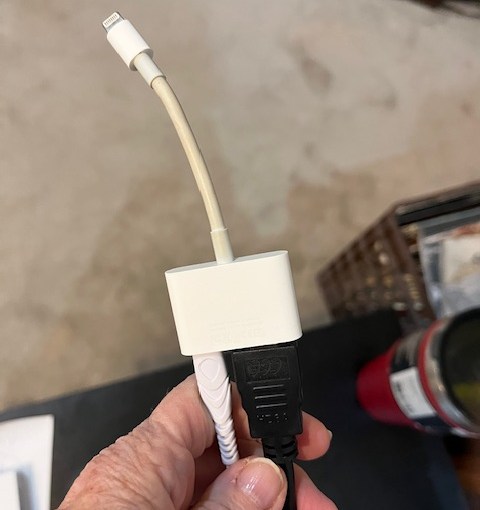
How to see Veterans Yoga Project Online Studio on my big TV Screen
I often get asked how I setup for teaching online yoga classes. I’ll just briefly give you an outline of what equipment I use, etc.
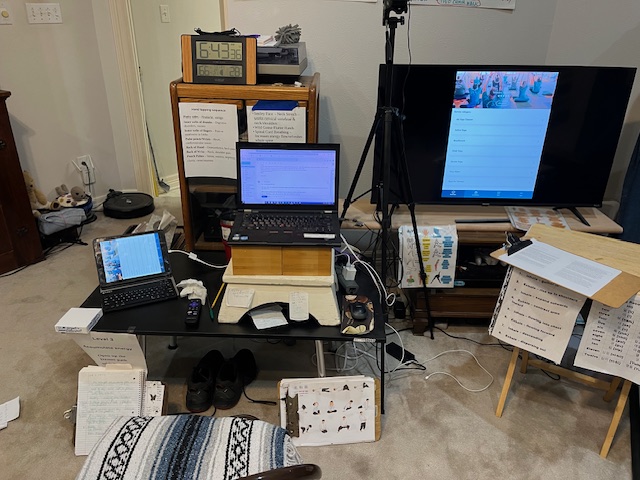
A quick photo of my setup for teaching online, and for taking classes online. Left to Right. Ipad, Adapter Lightening Cord, Laptop, Surge protector with my PC, and Apple Charging cord connected, HDMI cord connecting to the back of my TV, Roku device plugged into the other HDMI port, and my older not so smart (ha ha) TV, with the VYP app displayed from my ipad onto the tv.
I teach from my PC and attached camera. Then I have a second screen, where I can do gallery view, to watch the students on my somewhat bigger TV Screen.
A little background, about nine years ago, when I was teaching some educational classes in my home, I would use the apple adapter cord into my ipad/pc, and my televisions’s hdmi cord to view onto my TV. I had a different type of adaptor that I would use for my PC/Mac.
Since then I use the same cord to use as a connection, to display larger onto my Smart TV.
- One needs a Smart TV. You use the Roku app on the Smart TV to connect to an iphone/ipad device app. This might be a bit difficult to figure out, as one needs to look at the “streaming store” and find the appropriate “app” for the HDMI hooking up service.
- Roku device hooked up to the back of their TV, or a Smart TV that has Roku integrated within the system. ~ $45
- A HDMI cord – which plugs into the Apple adaptor cord and into the HDMI port on the smart tv. ~ $10
- An Apple cord https://www.apple.com/shop/product/MW2P3AM/A/lightning-digital-av-adapter $49
- An apple charging cord dedicated to this system.
- I use a surge protector strip to plug in for power to the apple charging cord.
When I started teaching online for VYP almost five years ago, I just used the same cord system.
There are other methods to connect to a smart tv, depending if you are using a PC, an android. I’ve used Chromecast, but it was rather cludgy.
When I teach in person at a gym, I sometimes play indoor walking workouts for my clients, prior to the tai chi or yoga class. The facility has an overhead projector system. I’m able to use the cord again, and “cast” onto the large theatre display, using their bluetooth connection technology.
Apple Adapter cord.
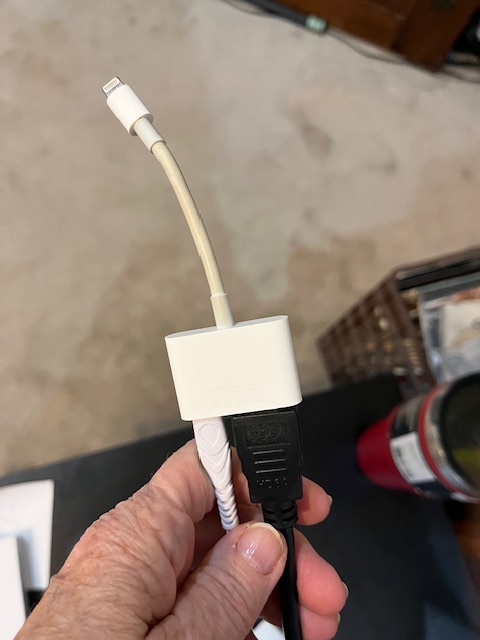
Apple adapter into my ipad, with the hdmi cord, and my apple charger cord coming out.
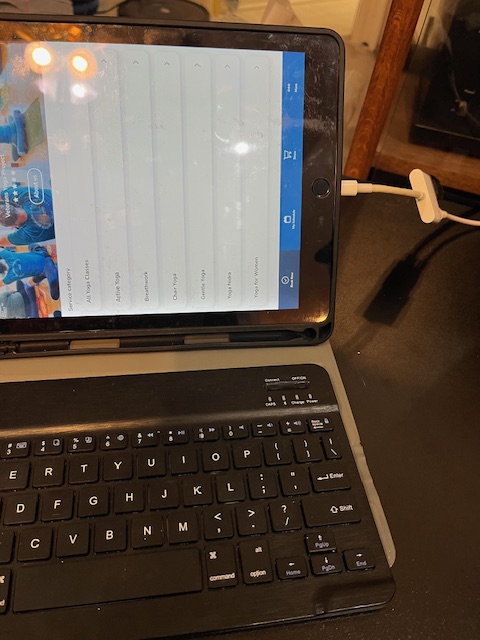
My setup for teaching and taking online classes.
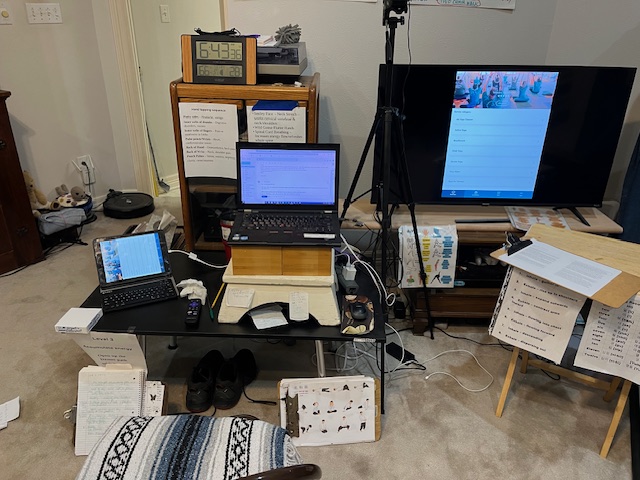
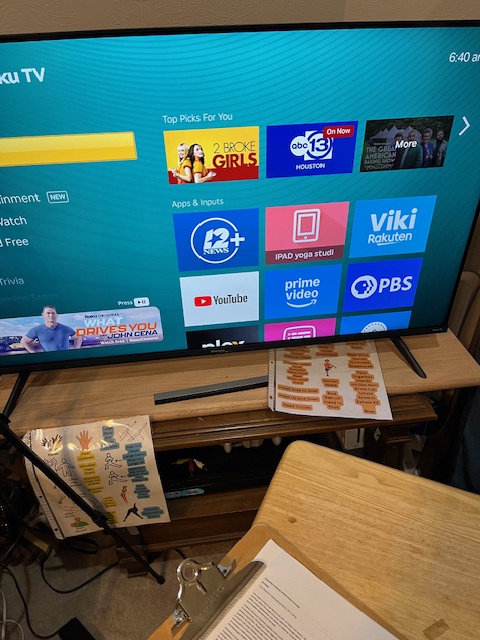
Left to Right. Ipad/Apple adaptor cord, PC, Camera, surge protector strip cord. My PC, Apple Charger cord in the strip cord. Smart TV with a Roku in the back plugged in (it is an older Smart TV), then on the screen I have the VYP app on screen, as it shows up on the Ipad.
One must turn off the audio on the Ipad, or you’ll have reverb/echo noise. I also turn off the volume on the TV, and only use the volume from the PC. Their setup may be different as they will not have the PC or the Ipad both running at the same time. So the sound could either be from their Ipad/Iphone or PC or the Smart TV. It takes a bit to figure this stuff out.
Questions? Complaints? Comments? Complements? Let me know!
Gail


 Gentle Yoga and Tai Chi with Gail
You must be logged in to post a comment.